Play Mechangelion on PC
Play Mechangelion on a PC in a desktop browser on this site, or on Windows through the official Google Play Games on Windows listing for the same package id. An “Mechangelion PC” exe from a random page is not a build the stores or this fan site publish.Why the usual method fails
People type “Mechangelion PC” and accept the first file that claims to be a desktop port. The publisher did not hand this fan site a Windows installer, and we will not link one. The failure mode is familiar: the file is unsigned, the publisher name is missing, and the page talks about a mod menu the stores do not sell. Close it. The official Windows route is Google’s own Play Games listing, and the zero-install route is the browser player already on this website.
The other failure is expecting the phone app to behave like a landscape action game once it is on a monitor. The browser card says portrait. Rotating a window does not invent a PC camera. You get the same control panel, on a larger screen, if you give the frame focus.
Steps
- If you want no install, open the play button on this page or the flagship player. Wait for the first load. Click inside the frame. Use Fullscreen when the panel is a strip in the tab. Press Escape to leave fullscreen.
- If keys do nothing, you clicked the page instead of the game. Click the frame again. The browser-card control line is the whole keymap they publish: use the mouse to press and aim the on-screen buttons, or use the keyboard to activate them. There is not a second secret PC keymap on this site. Wider catalog habits are on controls.
- If you want the store app on Windows, open Google Play Games on Windows. The page is Google’s, for package
com.tsyatsya.mechangelion, from Moonee Publishing Ltd. Install only if that page still offers the Windows path when you arrive. We cannot click install for you. - Confirm the seller before the installer runs. The same package id as the phone app is the check. A page that offers a smaller “PC rip” is not that listing. The phone install steps, including the iOS size we saw (613.6 MB), are on download.
- If you are on a Mac, read the live App Store compatibility table. The header we checked said Designed for iPad. Not verified for macOS. The table also said macOS 12 or later and a Mac with Apple M1 or later. Those two lines can sit on one page. We will not flatten them into a yes or a no. A Mac browser can still use the player here.
What a PC session actually is
The browser card names Unity 6, portrait, developer Moonee, a browser release noted as August 2026, and a last update of September 8, 2026. The August 2026 date is the browser listing, not the birth of the phone game. The App Store history goes back to 2023. A desktop tab is that browser build, not a promise that every mobile mode is in the frame. The app page keeps the two clients apart.
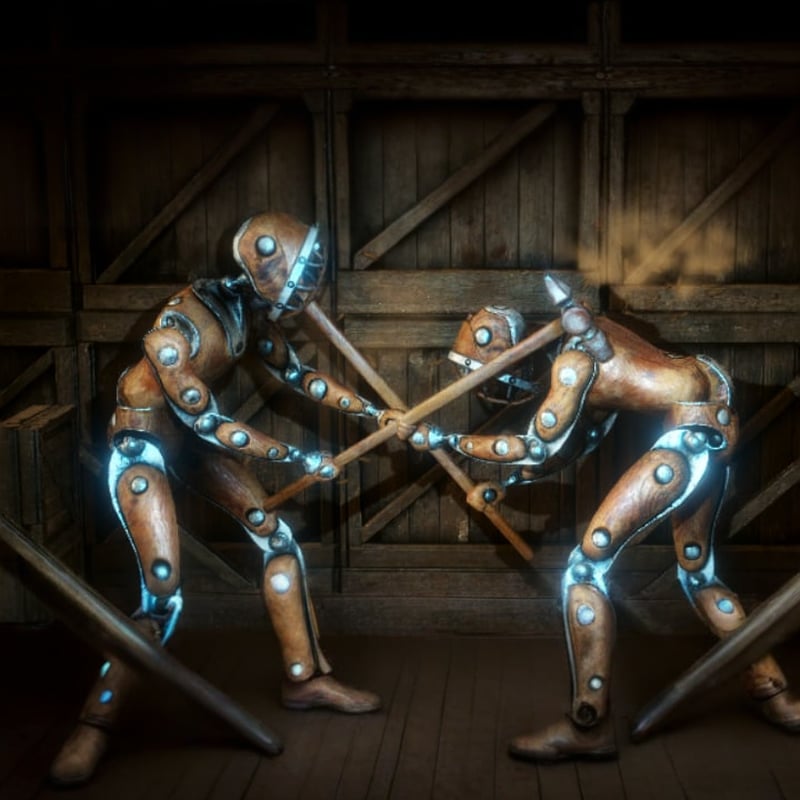
The fight is still a one-on-one robot battle on a control panel of specific moves, jabs, and punches. You upgrade the hero, unlock weapons, raise defense, fight bosses, and clear levels. Opponents named in the description include war robots and giant dinosaurs. A larger monitor makes the wind-up easier to see. It does not add a mouse-look camera the card never described. The beginner guide is the first round. Fighting tips come after you can name the button that lost.
Limits
We do not publish a minimum GPU, a Windows build number, or a claim that Play Games will install on every PC. That is Google’s page, and it can refuse a machine. We do not offer a Linux build. We do not offer a cracked client that skips the energy system announced in version 3.0. If the live listing disagrees, the listing wins.
If the frame never arrives, the problem may be a filter rather than a missing PC port. Play online covers a cold load. Unblocked refuses proxy steps. The useful PC session is the browser player, or the official Windows listing, and nothing else from this domain.