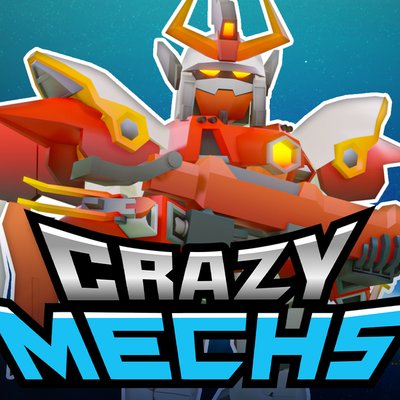
Mechangelion app
The Mechangelion app is the free Moonee build on Google Play and the App Store, with its own saves, energy system, and in-app purchases. This website is not that app — it embeds a portrait browser build and will not hand you an installer.Why the usual method fails
People treat “app” and “APK” as synonyms. An app, here, is the listing Moonee Publishing Ltd maintains on a store. An APK page is someone else redistributing a package, often with promises about ads or currency the store notes do not make. Installing that file can also skip the updates that actually added cloud save, energy, and the equipment cap, so you get an old build plus a risk. The usual method fails because it optimizes for a file instead of for the seller’s name.
Steps
- Decide which client you want. Browser: press the button on this page, no store account, portrait frame, Unity 6 according to the browser card. App: continue to the stores.
- Install the app only from Google Play or the App Store. Confirm package
com.tsyatsya.mechangelionor App Store id 1668157669, and the seller Moonee Publishing Ltd. The English Play page also said the game is available on Android and Windows. That Windows path is Google Play Games on Windows, covered on play on PC. - Give the download room. 613.6 MB is the size we saw on the US App Store. A page offering a tiny “compressed” copy is not the listing we checked.
- Open the in-app tutorial if it runs. Old notes mention tutorial improvements. Then use the beginner guide only for the panel and the first upgrade, not as a replacement for buttons the app is already showing you.
- Keep app problems with the developer. Purchases, lost progress, and crashes: contact@moonee.io. Wrong text on this fan site: the contact page.
What the app has that this site does not
Version 3.0 announced cloud saving, a Discord server, an energy system, and level balancing. Later notes add pilots, localizations that match the language list (English, Japanese, and Russian), shop buttons, a win streak, and new weapons. The US age rating mentions loot boxes and advertising. In-app purchase names include VIP, cores, packs, a no-ads option, and a skin. We are not quoting prices, and we are not claiming the browser tab contains that shop.
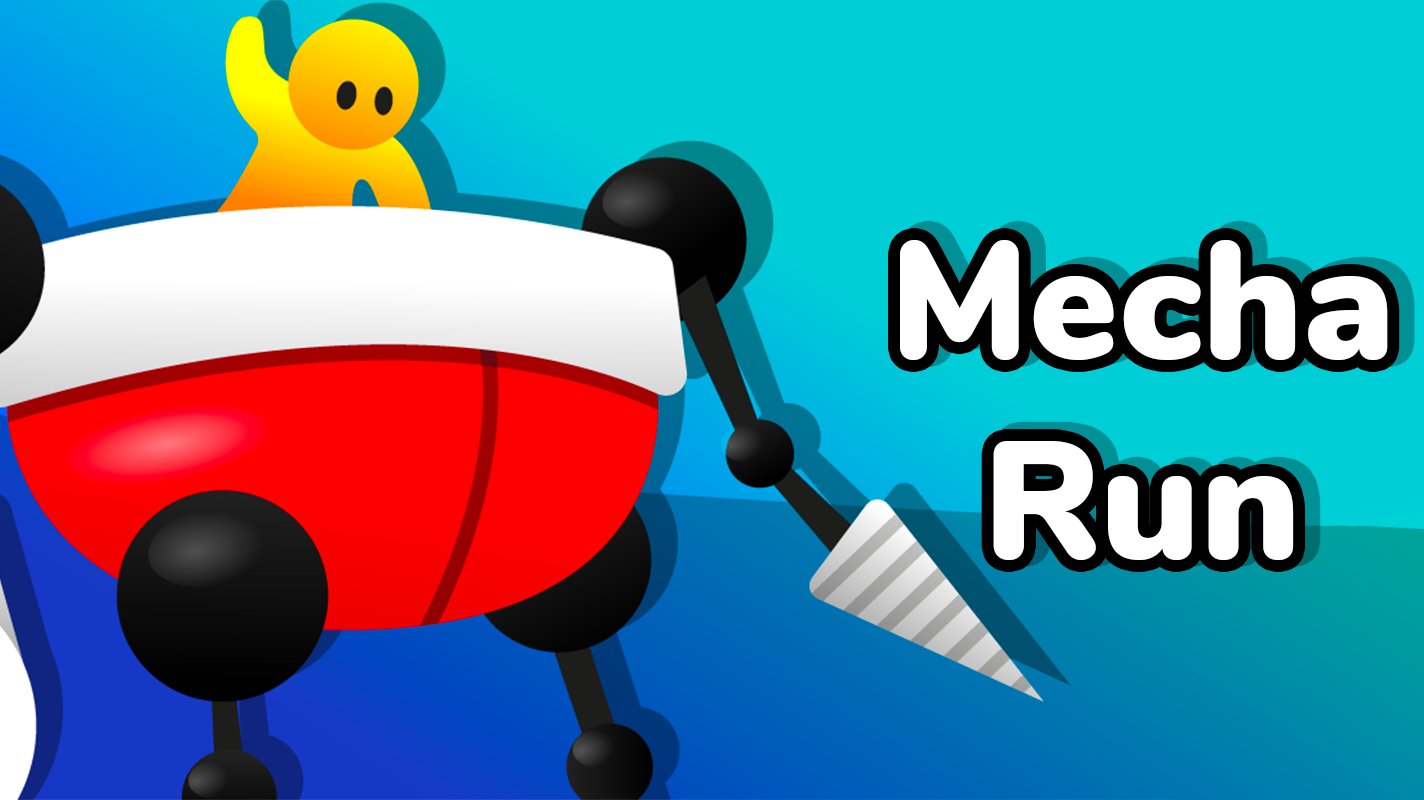
The browser card’s feature list is the original fight: upgrade the hero, unlock weapons, raise defense, fight bosses, and clear levels, with opponents that include war robots and giant dinosaurs. Its control line is use the mouse to press and aim the on-screen buttons, or use the keyboard to activate them. If you need a league, a raid, or a cloud restore, those words appear in the app history, not in our player chrome. Update notes quote them. Cloud save says who can help when progress vanishes.
Limits
Play’s device list, the iOS minimum, and the download size are store facts with a date. They will move. Mac is the awkward case: “Designed for iPad. Not verified for macOS” sits on the same US listing as a compatibility line for macOS 12 or later and a Mac with Apple M1 or later. We will not flatten that into yes or no. We have not tested every device Apple lists, and we will not describe a session we did not run.
Free play still applies after you install: free to download is not free of optional purchases. Fight in the client you actually opened, and do not expect a browser round to spend the app’s energy or the app to read a browser cookie as a save. If the live listing disagrees, the listing wins.