Download Mechangelion
Download Mechangelion from the official Google Play listing (com.tsyatsya.mechangelion) or the App Store listing (id 1668157669), both published by Moonee Publishing Ltd. This fan site does not host an installer — the button opens the browser game, and the store buttons below are the only download path.
Why the usual method fails
Search results for a download mix three different things: the real store app, the browser build, and unrelated files that only borrowed the name. The third group is the one that hurts people. Those pages offer a direct APK, a “mod,” or a Windows zip, and they never show Moonee Publishing Ltd as the seller. The signed Android package id on Google Play is com.tsyatsya.mechangelion. If a site will not say that, and instead starts a file download, it is not the game the stores sell.
A second failure is treating every Mechangelion URL as an installer. This website’s older “no download” address now redirects to play online, because that question was about the browser, not a second file. Unblocked is a note about network filters, not a mirror APK. Synonym pages are not downloads.
Steps
Use one store, confirm the publisher, then install. Do not collect backup files along the way.
- On Android, open Google Play. Confirm the title Mechangelion - Robot Fighting and the developer Moonee Publishing Ltd. The English listing we checked showed an update date of August 18, 2026, an Everyone 10+ rating, and Fantasy Violence. Install from that page only.
- On iPhone or iPad, open the App Store page for id 1668157669. The US listing we checked marked it free with in-app purchases, required iOS 15 or iPadOS 15, listed English, Japanese, and Russian, and showed a download size of 613.6 MB. Size and rating lines move. Read the live page.
- The US App Store age line was 13+, with frequent guns or other weapons, infrequent cartoon or fantasy violence, loot boxes, and advertising. Google Play’s line was Everyone 10+. They are different store forms. Follow the rating on the store you are actually using.
- If you wanted Windows, stop here and use Google Play Games on Windows, or read play Mechangelion on PC. Do not run an exe from a fan forum.
- If you only wanted to fight for ten minutes, skip the install and use the play button on this page. The browser build is portrait and loads in the tab.
What the listing says you are installing
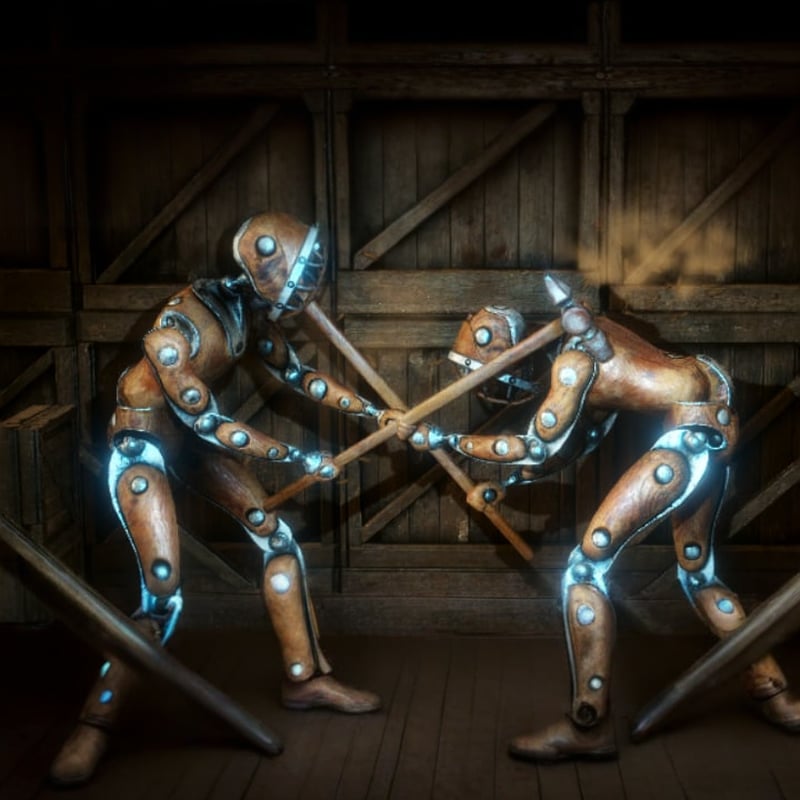
The shared store description is a one-on-one robot battle on a control panel of specific moves, jabs, and punches. You upgrade the hero, unlock weapons, raise defense, fight bosses, and clear levels. You also face war robots and giant dinosaurs. That is the product. It is not a first-person shooter that happens to have a metal skin, and it is not a file we re-encoded.
The App Store copyright line reads © TsyaTsya, and the seller line reads Moonee Publishing Ltd. The developer site linked from the company’s own pages is moonee.io. The privacy policy linked from the App Store is Moonee’s privacy policy. Support mail printed on the Play listing is contact@moonee.io. Those are the official doors. Our contact page is for this website, not for refunds or save files.
Browser play is not the app install
CrazyGames lists a browser edition with developer Moonee, engine Unity 6, portrait orientation, and a last update of September 8, 2026. Its control line is short: use the mouse to press and aim the on-screen buttons, or use the keyboard to activate them. That card is why a fight can start on CrazyGames or in the player on our Mechangelion page without a store account. It does not mean the app and the browser tab share cloud saves, energy, or every mode named in the mobile version history. The app guide is the comparison. Cloud save is the progress question.
Limits
We will not post prices. The stores list in-app purchases; the numbers live there. We will not promise the game is unblocked on a school network. We will not send you a Mac download from this page: the US App Store header says the app is Designed for iPad. Not verified for macOS, while the compatibility table also lists macOS 12 or later and a Mac with Apple M1 or later. Read that table yourself, then use the PC guide. Store pages change their what’s-new text; the version-by-version notes we are willing to repeat are on update notes, sourced from the App Store history.
Spanish and Portuguese copies of this download page exist for the same instructions. Use the language line on this page. After the app is installed, the next useful page is the beginner guide, not another download result. If the live listing disagrees, the listing wins.